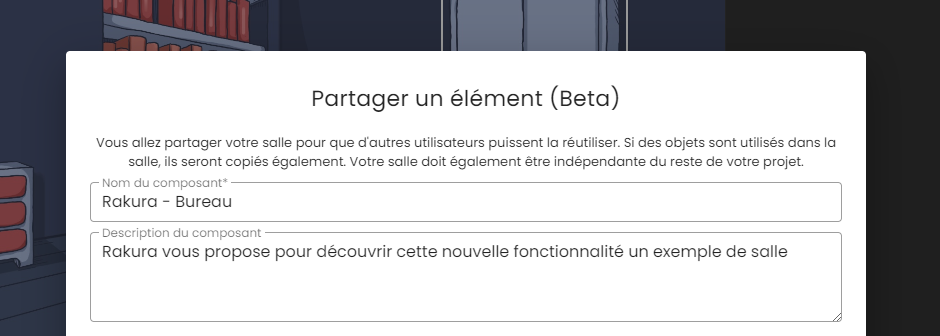
A new feature is currently being developed for the escape game creation tool. This option allows you to share your room and its content with other creators on the platform.
/ ! \ This feature is available in Interface mode only / ! \
How to use a room created by another creator?
To reuse a room created by another creator, click on Create a room +.
In the dialog box, then click on Use a room.
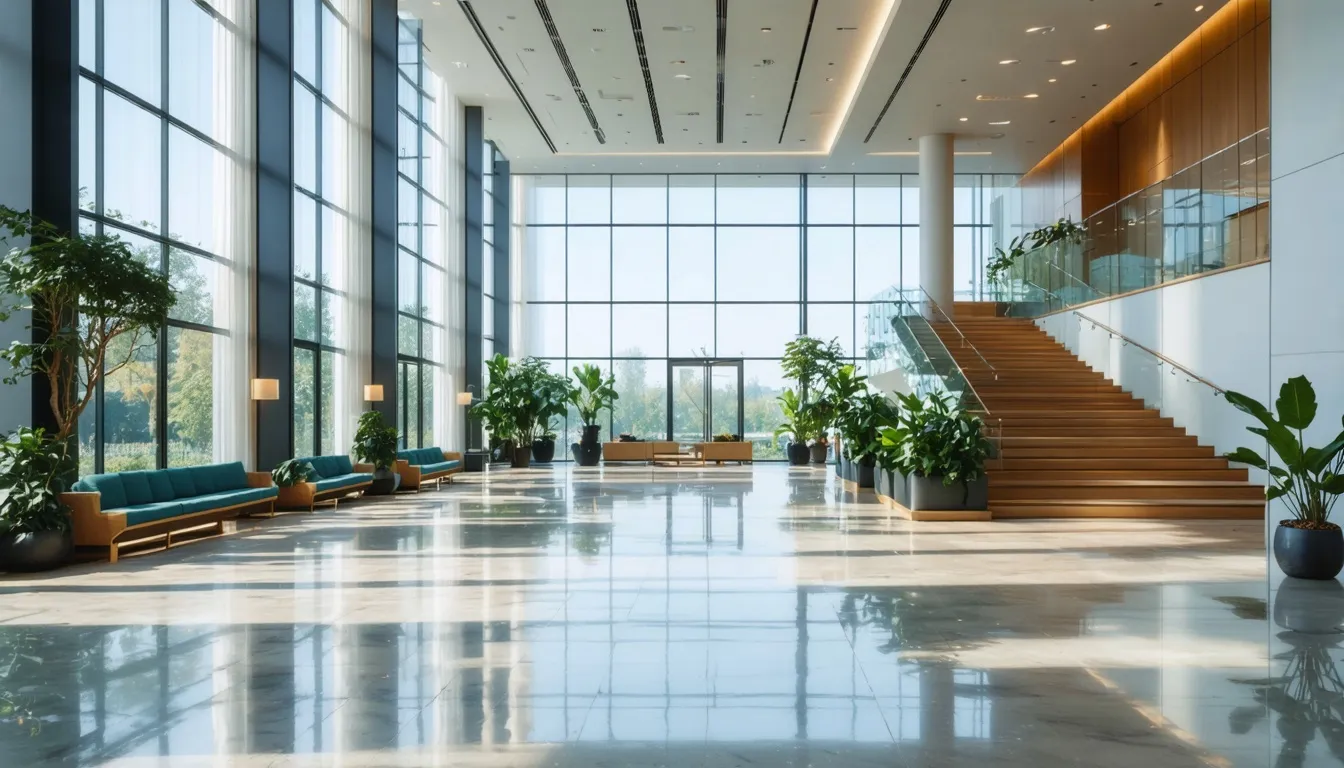
You will have access to a list of rooms shared by other creators. To try it out, you can use the example provided by Rakura called Rakura – Office.
Simply click on the Use button to copy this room into your project. You can then modify it however you like.
How to share a room?
If you want to share a room with other members, here are a few important points to keep in mind:
- Your room must be independent from the rest of your project. It must not contain events linked to other rooms (e.g., hiding a piece of furniture in another room).
- If items are used in the room via events such as Add Inventory Item, Remove Inventory Item, or in an item-based lock, these items will also be copied.
- If you use images (room background, messages, etc.), the ones stored on your account will be used in the copy. This helps limit the space used in our database and therefore reduces our environmental impact.
Important: if you share a room with images and then delete those images from your account, they will also be removed from all existing copies of the room.